-
1. First, define the goal correctly
-
2. What counts as a “third-party gateway” here
-
3. The two prerequisites for a truly universal workflow
-
4. The universal setup method
-
Step 1: Let the third-party ecosystem establish its Thread network first
-
Step 2: Check Home Assistant’s Thread page
-
Step 3: Import the third-party Thread credentials into Home Assistant
-
Step 4: Make that network the preferred network in HA
-
Step 5: Enable or reconfigure ZBT-1 OTBR so it joins that existing network
-
Step 6: Use one acceptance test only
-
5. How to add new devices later without splitting the mesh again
-
6. What happens to devices already on the old network
-
7. How each ecosystem fits this guide
-
Google Nest
-
Samsung SmartThings
-
Aqara
-
Homey
-
Amazon Alexa
-
-
8. Final takeaway
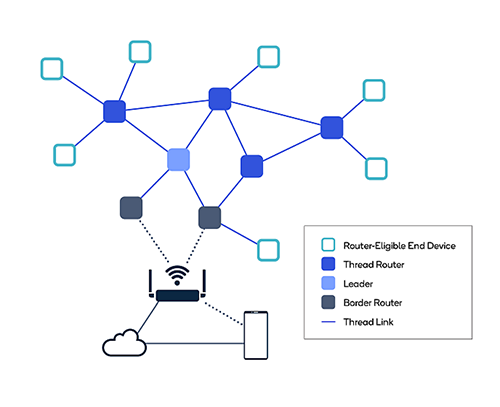
If you already use Home Assistant with a ZBT-1 and also have a Thread-capable gateway from Google Nest, SmartThings, Aqara, Homey, or Amazon Alexa, the real goal is not simply “device sharing across apps.” The real goal is to make the ZBT-1 OTBR join the same Thread network as that third-party gateway, so both border routers extend one mesh instead of running two separate Thread networks. Home Assistant’s own Thread documentation says that different vendors often form separate Thread networks with different credentials, and devices cannot roam between them.
1. First, define the goal correctly
Many people assume that if a Matter device is first added to one ecosystem and then shared to Home Assistant, the Thread mesh has been merged. That is not how it works. Matter Multi-Admin lets a device exist on multiple Fabrics, but Google’s Matter documentation explicitly says Thread and Wi-Fi credentials belong to the Networking Operational Cluster and are shared across Fabrics; they are not the Fabric credentials themselves. In practical terms, one Thread mesh exists only when the participating border routers and endpoints are using the same Thread network credentials.
OpenThread describes those network parameters as part of the Active or Pending Operational Dataset. Its network-join documentation also shows that a joining device must match the target network’s Channel, PAN ID, XPAN ID, and Network Name before it can attach. That is why “same dataset” or “same credentials” is the real definition of one mesh.
2. What counts as a “third-party gateway” here
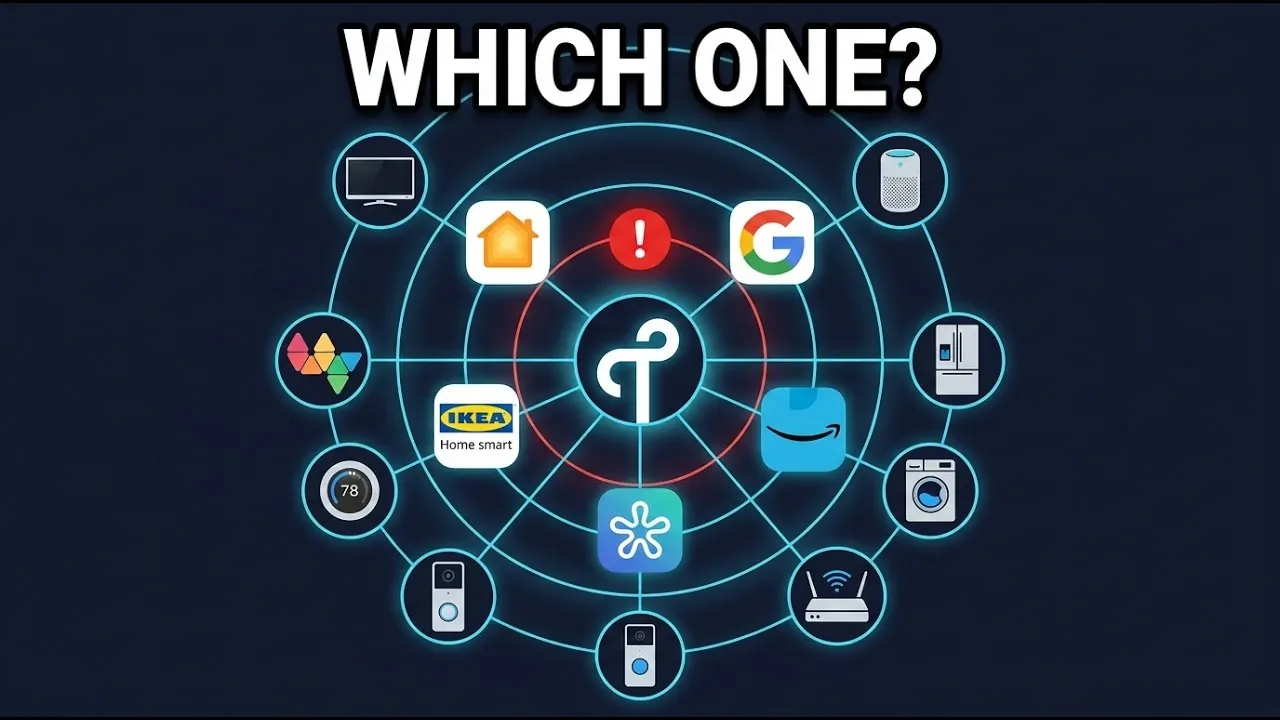
This guide only applies to gateways that actually include a Thread Border Router, not to every Matter hub or Matter bridge. Google officially lists the Nest Hub (2nd gen), Nest Hub Max, Nest Wifi Pro, and Google TV Streamer (4K) as hubs that support Matter over both Wi-Fi and Thread. SmartThings says Thread devices require a Matter controller that includes a Thread Border Router, and its support article names the SmartThings 2018 Hub and Aeotec Smart Home Hub. Aqara documents the M200 as a Thread Border Router and presents the M3 as a Thread Border Router as well. Homey Pro and Homey Pro mini support Matter-over-Thread, and Amazon officially lists Thread-enabled Echo and eero devices with built-in Thread Border Routers.
On the Home Assistant side, there is another important distinction: Home Assistant can use any discovered Thread Border Router, but it can configure and control only OpenThread Border Routers that expose the OpenThread REST API. That is why ZBT-1 matters so much here: it is the Home Assistant-managed OTBR that you can reconfigure to join an existing Thread network.
3. The two prerequisites for a truly universal workflow
The first prerequisite is simple: the third-party gateway must really be acting as a Thread Border Router. If it is only a Matter controller or a Matter bridge, it cannot form or extend the Thread mesh you want.
The second prerequisite is the one most people miss: Home Assistant must obtain the credentials for that Thread network. HA can discover other vendors’ border routers through mDNS and DNS-SD announcements, but discovery alone does not include the network credentials. HA’s docs explicitly say that you may see a network listed without HA knowing its credentials, and only networks with known credentials can be set as the preferred network.

4. The universal setup method
Step 1: Let the third-party ecosystem establish its Thread network first
Start with the manufacturer’s app and make sure the third-party gateway is fully set up and already acting as the Thread Border Router in that ecosystem. At the protocol level, a newly set up border router either creates a new Thread network or joins an existing one, and joining an existing network requires the existing credentials.
Step 2: Check Home Assistant’s Thread page
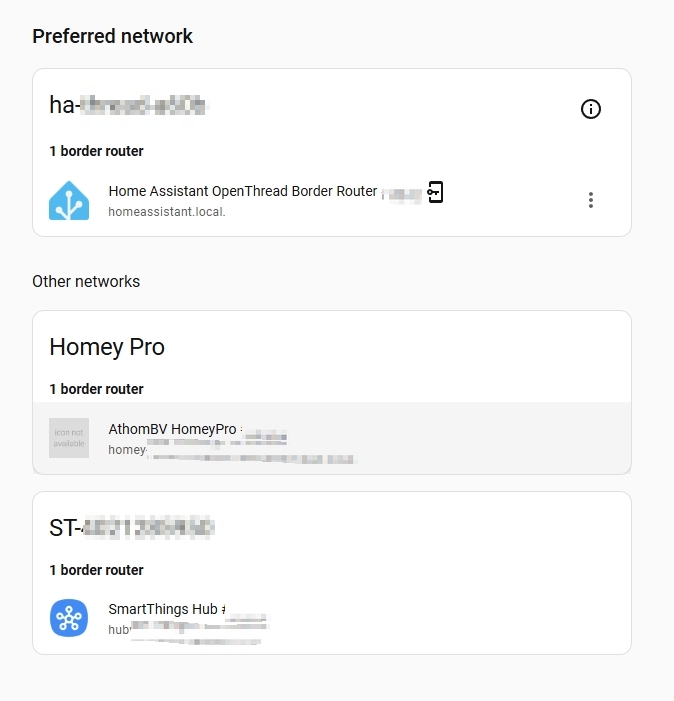
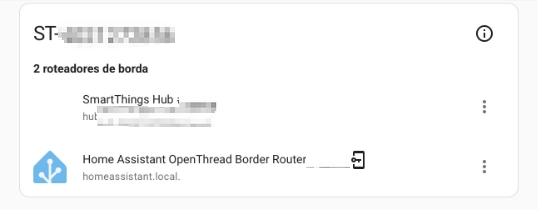
In Home Assistant, go to Settings → Devices & Services → Thread → Configure. If you see your third-party Thread network there, HA has discovered it. If you also see a separate
ha-thread-xxxx or another vendor-specific network listed as a different group, then you still have multiple independent Thread networks, not one unified mesh. Home Assistant explicitly says its Thread page groups border routers by Thread network and that different vendors often end up using different credentials.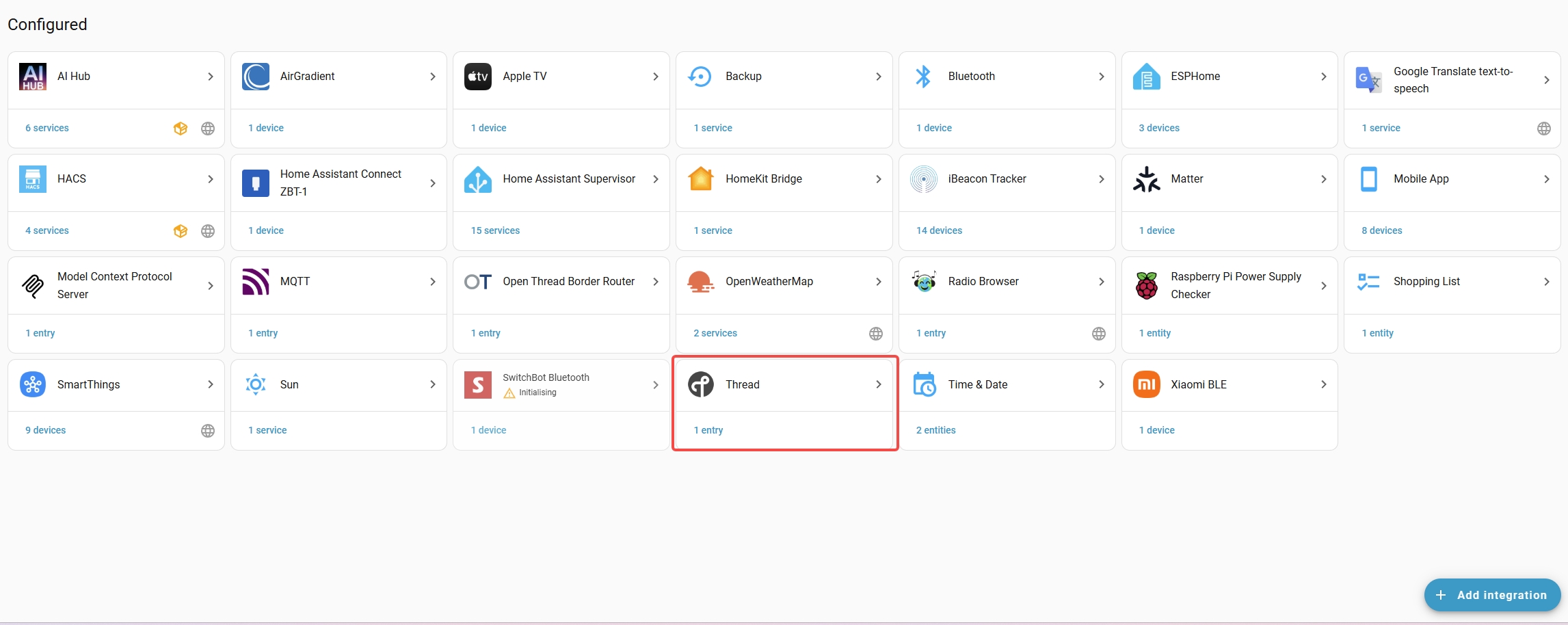
Step 3: Import the third-party Thread credentials into Home Assistant
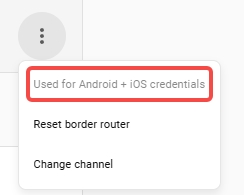
This is the decisive step. In HA’s public documentation, the explicit import flows are documented for Google-created Thread networks on Android and Apple-created Thread networks on iPhone. HA says that on Android you use Import Credentials, and on iOS you use Send credentials to Home Assistant. Once the import succeeds, HA shows that it now knows the credentials for that network, and only then can you make it the preferred network.
For SmartThings, Aqara, Homey, and Amazon, the networking principle is the same, but the practical result depends on whether the phone, OS, and vendor setup flow actually expose that Thread network’s credentials in a way HA can import. Google’s Thread API documentation shows that the border-router setup app mediates credential sharing and that this handoff is not standardized in one universal way. In practice, the easiest test is simple: if HA never shows that it knows the credentials for that network, this path is not working in your setup.
Step 4: Make that network the preferred network in HA
Once the credentials are known, choose Make preferred network. HA documents that importing credentials allows a Google- or Apple-created Thread network to become Home Assistant’s preferred network, and the preferred network is intended to be the default network used when adding Thread-based devices.
Step 5: Enable or reconfigure ZBT-1 OTBR so it joins that existing network
This is the step that actually merges “two ecosystems” into a “single Thread mesh”. HA’s Thread documentation explicitly states that when you create a Home Assistant border router while an existing third-party Thread network is present, the process joins the HA border router with the existing Thread network. In other words, you are not just sharing devices anymore; you are making ZBT-1 become another border router on the same Thread mesh.
Step 6: Use one acceptance test only
Your success criterion is not “the device appears in two apps.” Your success criterion is that the third-party gateway and ZBT-1 appear under the same Thread network grouping in Home Assistant’s Thread page. If they still appear under different network groups, then you still have separate Thread networks and only upper-layer sharing, not a merged mesh.
5. How to add new devices later without splitting the mesh again
After you unify the network, add new Matter-over-Thread devices with a phone that already holds the credentials for your target Thread network. HA explicitly notes that the Preferred network feature is not fully implemented yet, and that when adding Matter devices through the companion apps, the preferred network of the mobile device is what is actually used. That means the phone’s stored Thread credentials still matter in real deployments.
Google’s Thread API documentation reinforces the same idea from the Android side: joining devices need Thread credentials, and when a new border router is set up it either creates a new Thread network or joins an existing one by obtaining those credentials. Google’s own guidance for third-party TBR developers says that if preferred credentials already exist, vendors should use that network so devices connect to a single Thread mesh whenever possible.
6. What happens to devices already on the old network
Devices that were previously added to a different
ha-thread or vendor-created Thread network usually do not migrate automatically just because you later unified your border routers. OpenThread’s network-join model requires a device to be commissioned with the target network’s identifiers and then complete the attach process. In practice, that usually means a factory reset and recommissioning if you want to move the device onto the final Thread network you chose as your primary mesh.7. How each ecosystem fits this guide
Google Nest
Google Nest is the cleanest fit for this workflow because both sides of the process are well documented: Google officially lists its Thread-capable hubs, and Home Assistant explicitly documents the “existing Thread network” path using a Google-created network on Android as the reference example. If you want the lowest-friction version of this tutorial, Nest + Android + ZBT-1 is the closest thing to an official blueprint.

Samsung SmartThings
With SmartThings, the key question is not the brand name but the exact hub model. SmartThings’ official Matter support page says Thread devices require a Matter controller with a Thread Border Router, and it names the SmartThings 2018 Hub and Aeotec Smart Home Hub. So a SmartThings deployment only fits this guide if the SmartThings side is genuinely providing the Thread Border Router role.

Aqara
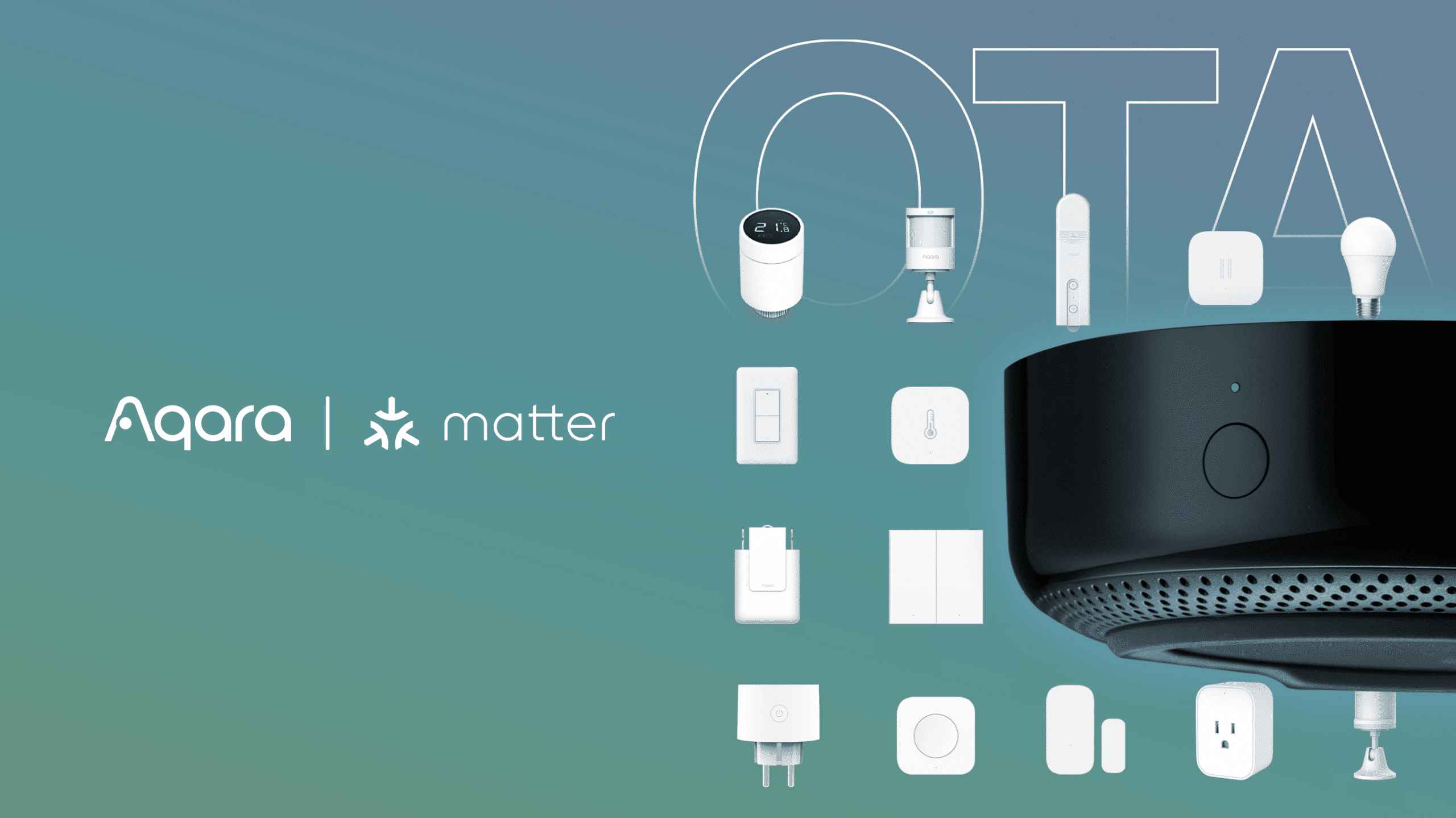
For Aqara, the rule is simple: only hub models that are explicitly documented as Thread Border Routers belong in this tutorial. Aqara’s M200 is officially described as a Thread Border Router and mesh extender, and Aqara’s M3 materials also present it as a Thread Border Router. You should not assume every Aqara hub is interchangeable here just because it is an Aqara gateway.
Homey
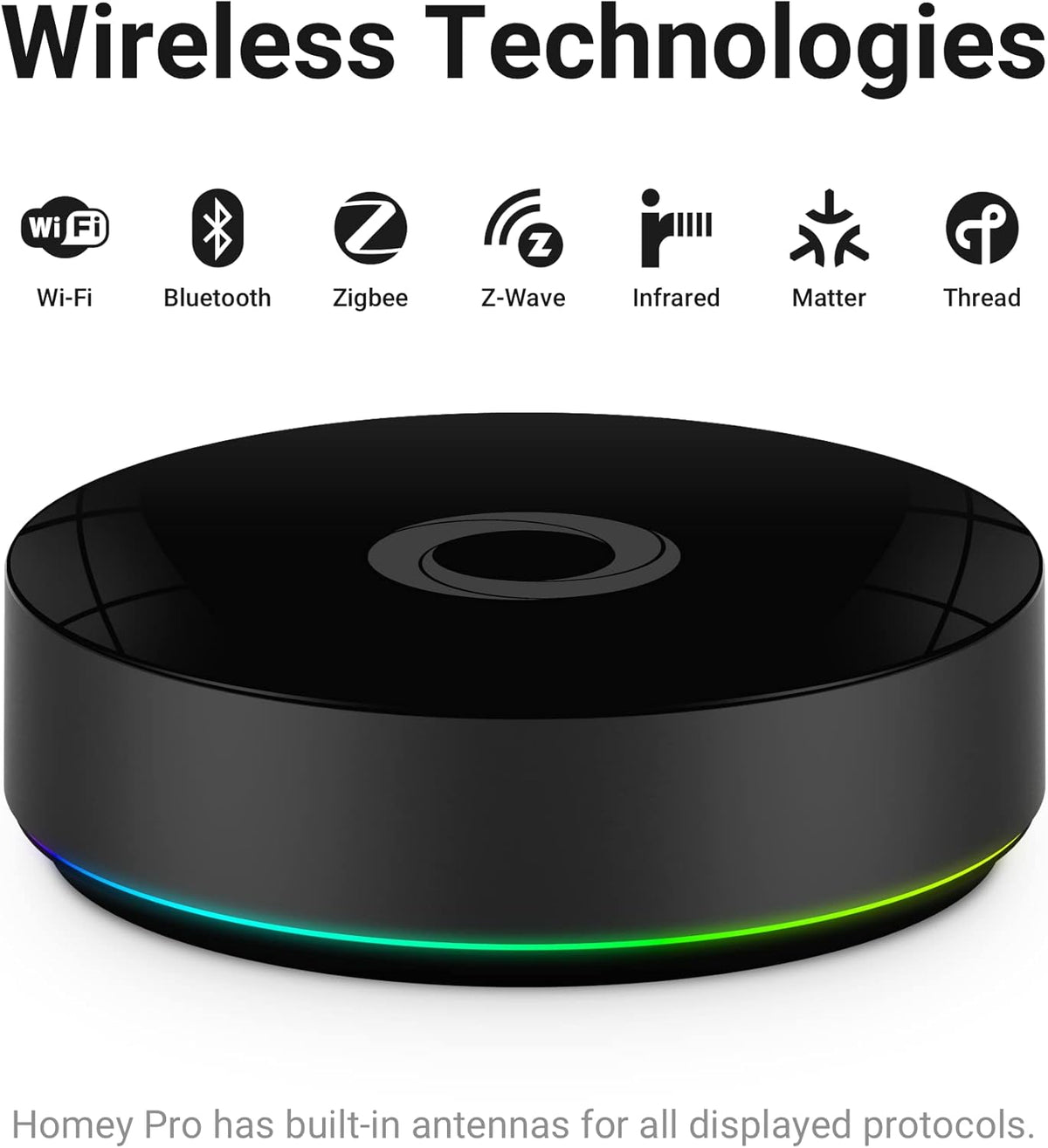
Homey is more nuanced than the other ecosystems. Homey Pro and Pro mini support Matter-over-Thread, and Homey explicitly distinguishes between Connect via Homey Pro, which always uses Homey Pro’s own Thread network, and Connect via Android/iOS, which uses the mobile device’s configured Thread network. Homey also states that, because Thread and Zigbee share the same hardware on Homey Pro, Homey Pro currently cannot join an existing Thread network created by Apple Home or Google Home. That means Homey does not fit the “make the gateway itself join an existing third-party mesh” pattern as cleanly as ZBT-1 or Google Nest do.
Amazon Alexa
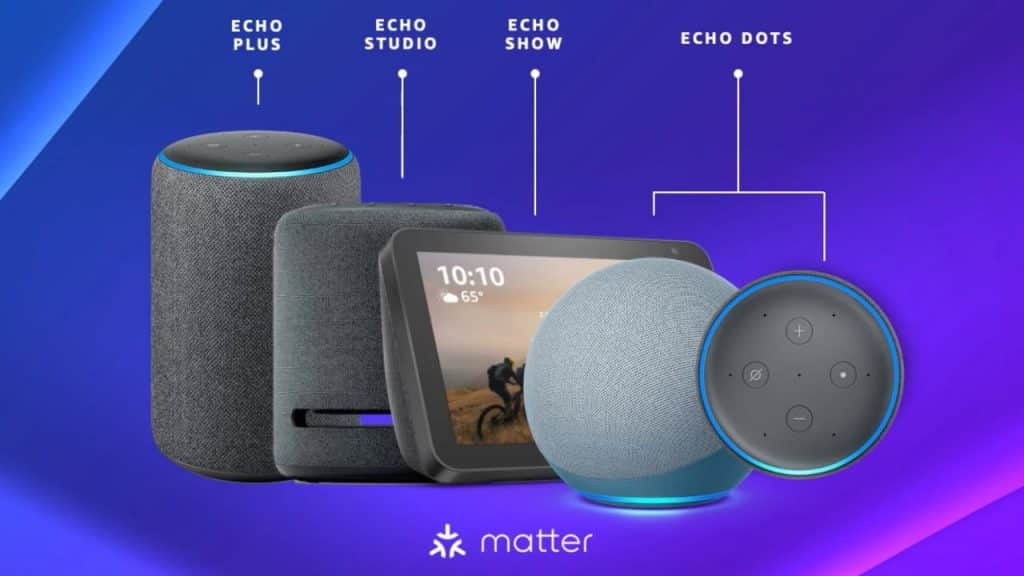
Amazon’s official documentation clearly states that compatible Echo and eero devices have built-in Thread Border Routers, so the Alexa side can absolutely supply the Thread network. The remaining question for a one-mesh HA workflow is still the same one as before: can Home Assistant actually obtain that network’s credentials in your setup? If it can, ZBT-1 can be aligned to that network; if it cannot, you may still get Matter device sharing, but not a genuinely merged Thread mesh.
8. Final takeaway
The truly universal part of this tutorial is not the brand name. It is the rule: a third-party gateway must be a real Thread Border Router, and Home Assistant must know that Thread network’s credentials. When those two conditions are met, the workflow is consistent: let the third-party ecosystem establish the Thread network, import that network’s credentials into Home Assistant, make it preferred, and then bring ZBT-1’s OTBR into that same network. That is what turns multiple hubs into one Thread mesh.
If either condition is missing, what you usually get is still useful, but it is usually device sharing across ecosystems, not a single unified Thread mesh.
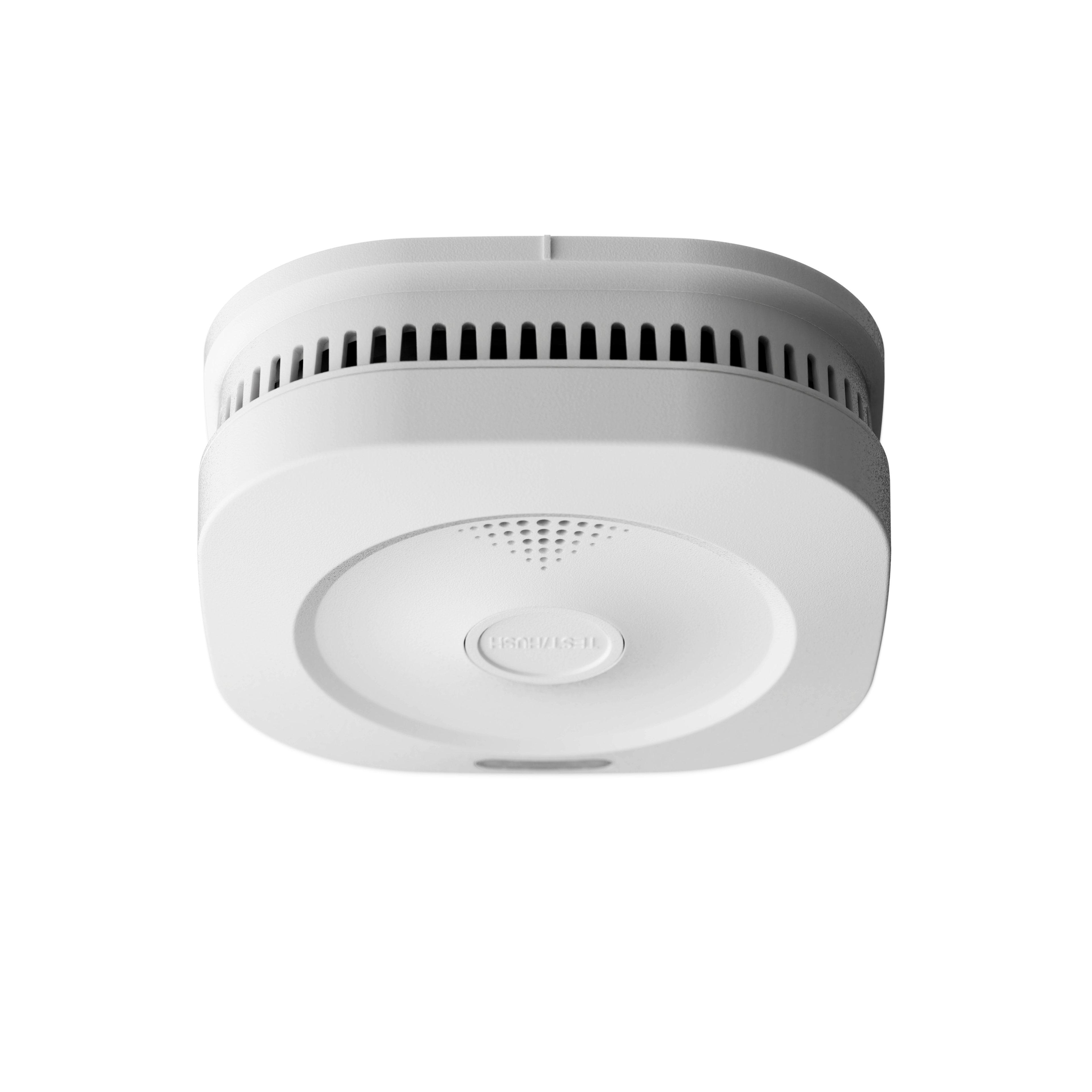
Matter Smoke Alarm
Sensereo MS-1
$49.99
The smarter smoke alarm — Matter over Thread connected, professional-grade detection, works out of the box.
Apple Home
Home Assistant
SmartThings
Homey
Google Home
Alexa
Buy now
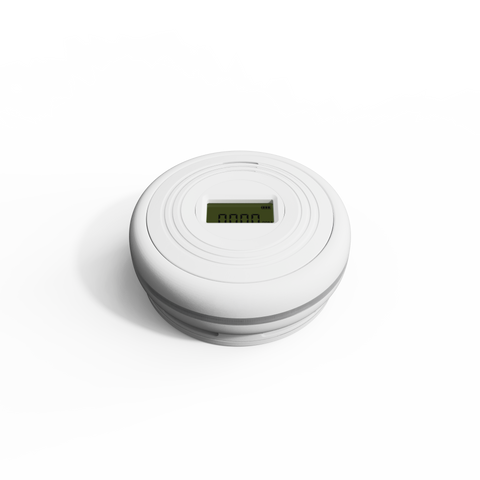
Matter Thread Smoke & CO Alarm
Sensereo MSC-1
$69.99
The smarter smoke & CO alarm — Matter over Thread connected, professional-grade smoke and carbon monoxide detection, works out of the box.
Apple Home
Home Assistant
SmartThings
Homey
Google Home
Alexa
Order now