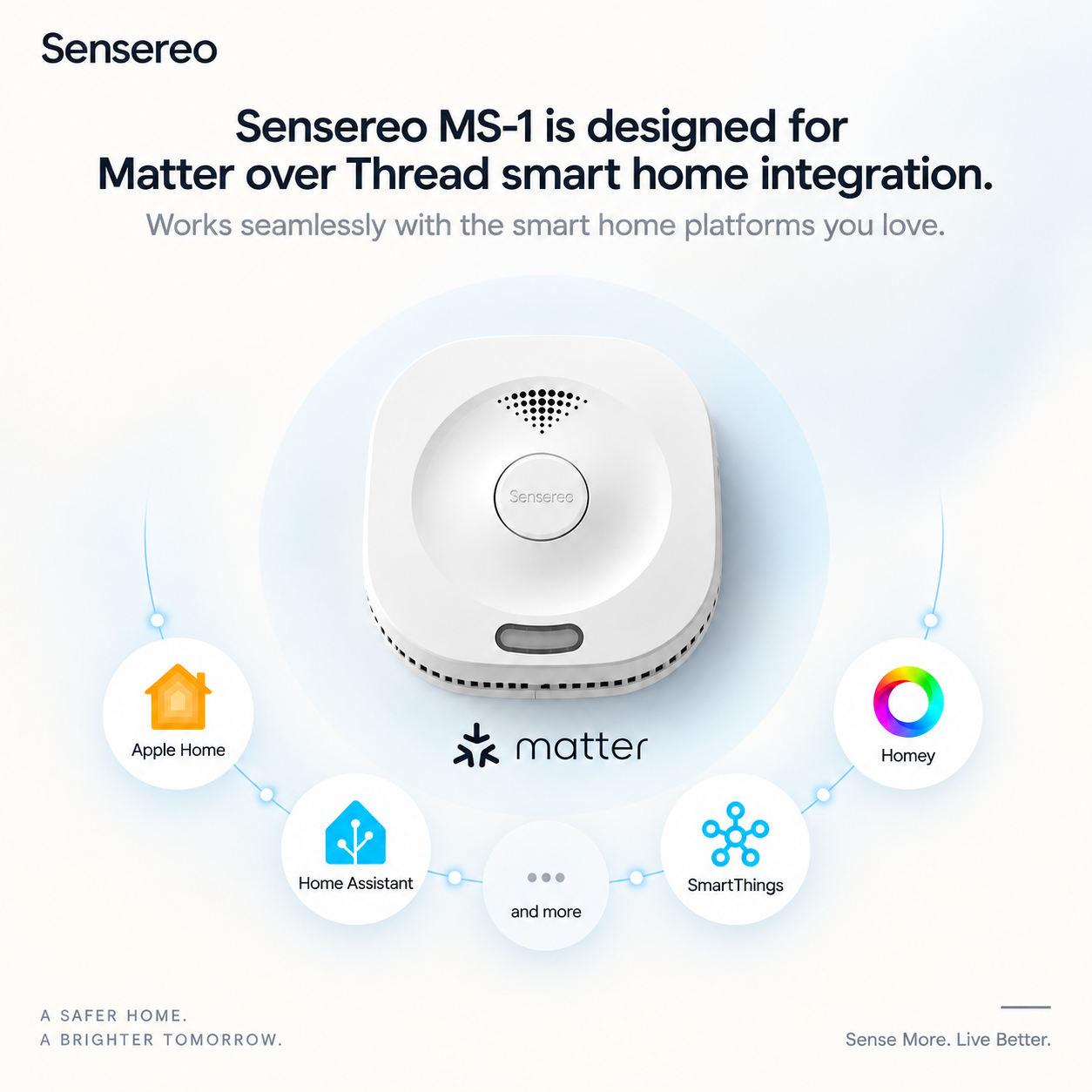
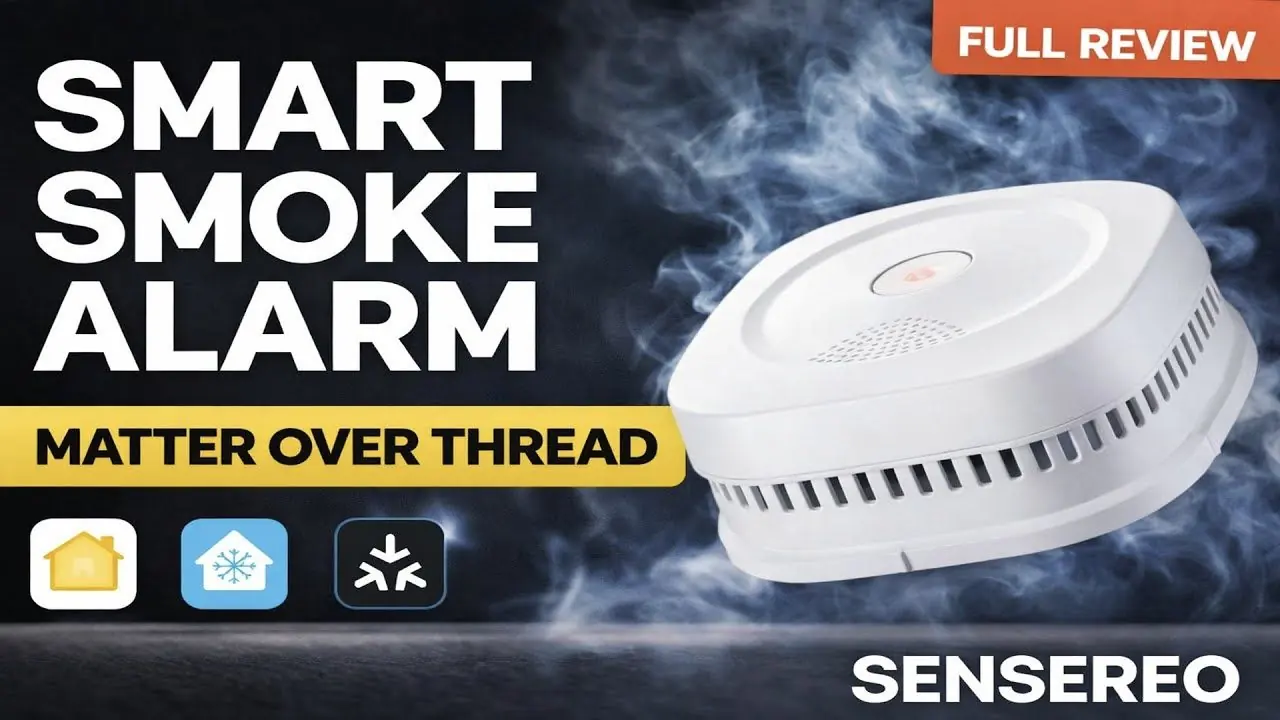
If your Sensereo MSC-1 Matter Smoke and Carbon Monoxide Alarm was previously paired with a smart home platform, or if it is not entering pairing mode as expected, you may need to reset the device and put it back into Matter pairing mode.
As a Matter-enabled smoke and carbon monoxide alarm, the MSC-1 can also be considered by users looking for a modern Nest Protect alternative that works with Apple Home, Samsung SmartThings, Home Assistant, Homey, or another Matter-compatible smart home platform.
This guide walks you through the reset process step by step, so you can re-pair your MSC-1 with your preferred smart home ecosystem.
Watch the video guide:
When Do You Need to Reset MSC-1?
You may need to reset your Sensereo MSC-1 if:
- The device was previously paired with another Matter ecosystem.
- The MSC-1 does not appear during Matter setup.
- You want to move the device to a different smart home platform.
- Pairing failed and the alarm LED is not flashing green.
- You need to put the device back into Matter pairing mode.
Before resetting, make sure your Matter controller and Thread Border Router are online and close enough to the MSC-1 during setup. This is especially important if you are using MSC-1 as a smart home safety device or as a Nest Protect alternative in a Matter-over-Thread ecosystem.
Before You Start
Please make sure you have:
- Your Sensereo MSC-1 Matter Smoke and Carbon Monoxide Alarm.
- Access to the rear power switch.
- Access to the top TEST/MUTE button.
- Your smart home app ready for Matter pairing.
- The Matter QR code or pairing code.
For best results, complete the reset and pairing process before mounting the alarm on the ceiling.
Troubleshooting Tips
If your MSC-1 still does not appear during pairing, try the following:
- Make sure your phone is connected to the correct smart home ecosystem.
- Keep the MSC-1 close to your Matter controller or Thread Border Router during pairing.
- Confirm that your Thread Border Router is online.
- Restart your smart home app and try scanning the Matter QR code again.
- Repeat the reset steps carefully and release the TEST/MUTE button immediately after hearing three beeps.
- If the device was previously added to another platform, remove it from that platform first before pairing again.
These steps help ensure the MSC-1 enters Matter pairing mode correctly and can be added again as a connected smoke and carbon monoxide alarm in your smart home system.
Final Notes
Resetting the Sensereo MSC-1 does not affect its core smoke and carbon monoxide detection functions. It only clears the Matter pairing status so the device can be added again to a compatible smart home system.
Once the alarm LED flashes green, your MSC-1 is ready to be paired again and connected to your smart home. For users comparing smart alarms after Google Nest Protect, MSC-1 offers a Matter-compatible option for those searching for a practical Nest Protect alternative.
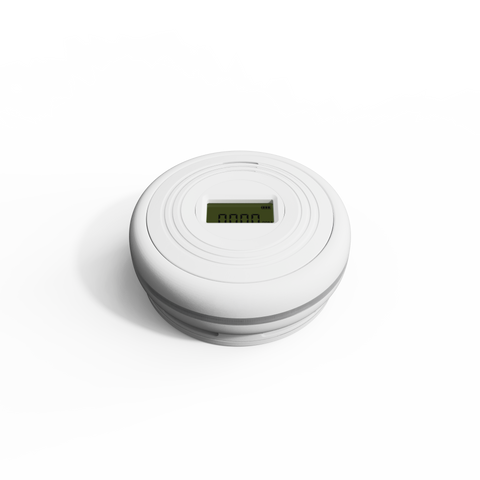
Sensereo MSC-1