Apple Home is a smart home ecosystem built for iPhone, iPad, Apple Watch, HomePod, and Apple TV users. With the Apple Home app, you can manage compatible smart home devices, organize them by room, create automations, and receive important home alerts on your Apple devices.
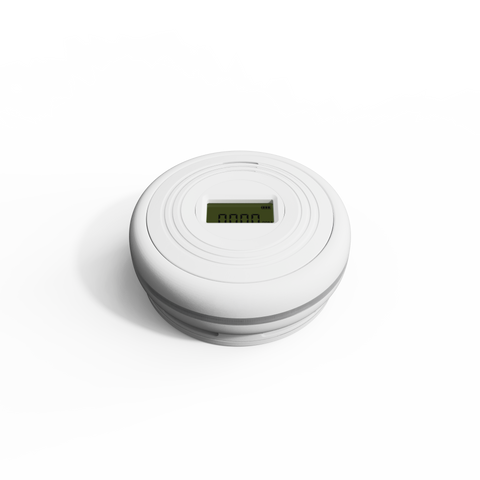
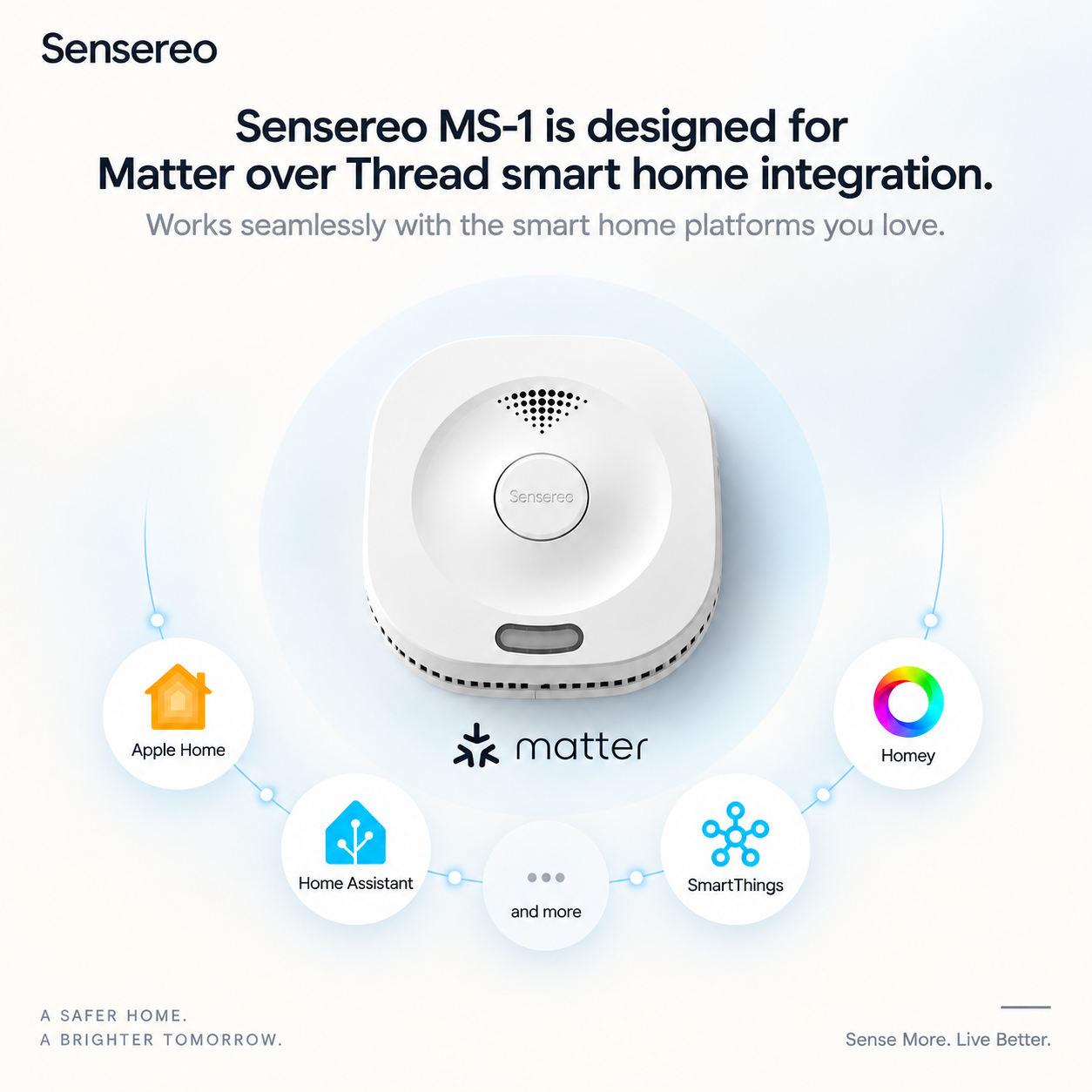
Sensereo MSC-1 is a Matter over Thread Smoke and Carbon Monoxide Alarm designed to work with Apple Home and other Matter-compatible platforms. Once paired with Apple Home, MSC-1 can be added to your Apple smart home setup, allowing you to view device status and receive safety-related alerts through the Apple Home ecosystem.
Before You Pair MSC-1 with Apple Home
Because Sensereo MSC-1 is a Thread-enabled Matter device, you need a compatible Apple Home setup before pairing. For the best experience, make sure you have a Thread-enabled Apple home hub or a compatible Thread Border Router.
Apple devices that support Thread include:
- HomePod mini
- HomePod 2nd generation
- Apple TV 4K 2nd generation
- Apple TV 4K 3rd generation Wi-Fi + Ethernet model
- iPhone 15 Pro, iPhone 15 Pro Max, or later models running iOS 18 or later
For a stable smart home setup, we recommend using a HomePod mini, HomePod 2nd generation, or a Thread-enabled Apple TV 4K as your Apple home hub. This helps MSC-1 connect to your Thread network and work properly inside Apple Home.
Video Guide: Pair MSC-1 with Apple Home
Watch this video to learn how to add Sensereo MSC-1 Matter Smoke and Carbon Monoxide Alarm to Apple Home.
What You Need
Before starting the setup process, please prepare the following:
- Your Sensereo MSC-1 Matter Smoke and Carbon Monoxide Alarm.
- An iPhone or iPad with the Apple Home app.
- A Thread-enabled Apple home hub, such as HomePod mini, HomePod 2nd generation, or a supported Apple TV 4K.
- A stable home Wi-Fi network.
- The Matter QR code or pairing code for your MSC-1.
For best results, pair MSC-1 before mounting it on the ceiling. Keep the device close to your Apple home hub during setup.
Troubleshooting Apple Home Pairing
If your MSC-1 does not appear in Apple Home or pairing fails, try the following steps:
- Make sure your Apple home hub supports Thread and is online.
- Keep MSC-1 close to your HomePod mini, HomePod, or Apple TV 4K during pairing.
- Make sure Bluetooth is enabled on your iPhone or iPad.
- Confirm that your iPhone or iPad is connected to the same Apple Home setup.
- Restart the Apple Home app and try again.
- If MSC-1 was previously paired with another ecosystem, reset it before pairing again.
- If Apple Home shows a “Thread Border Router Required” or “Needs Thread Network” message, check whether your home hub supports Thread.
Final Notes
Pairing Sensereo MSC-1 with Apple Home allows you to add smoke and carbon monoxide detection to your Apple smart home ecosystem. With Matter over Thread support, MSC-1 can work with Apple Home while keeping its core smoke and CO detection functions local and reliable.
For the best Apple Home experience, use MSC-1 with a Thread-enabled Apple home hub such as HomePod mini, HomePod 2nd generation, or a supported Apple TV 4K.