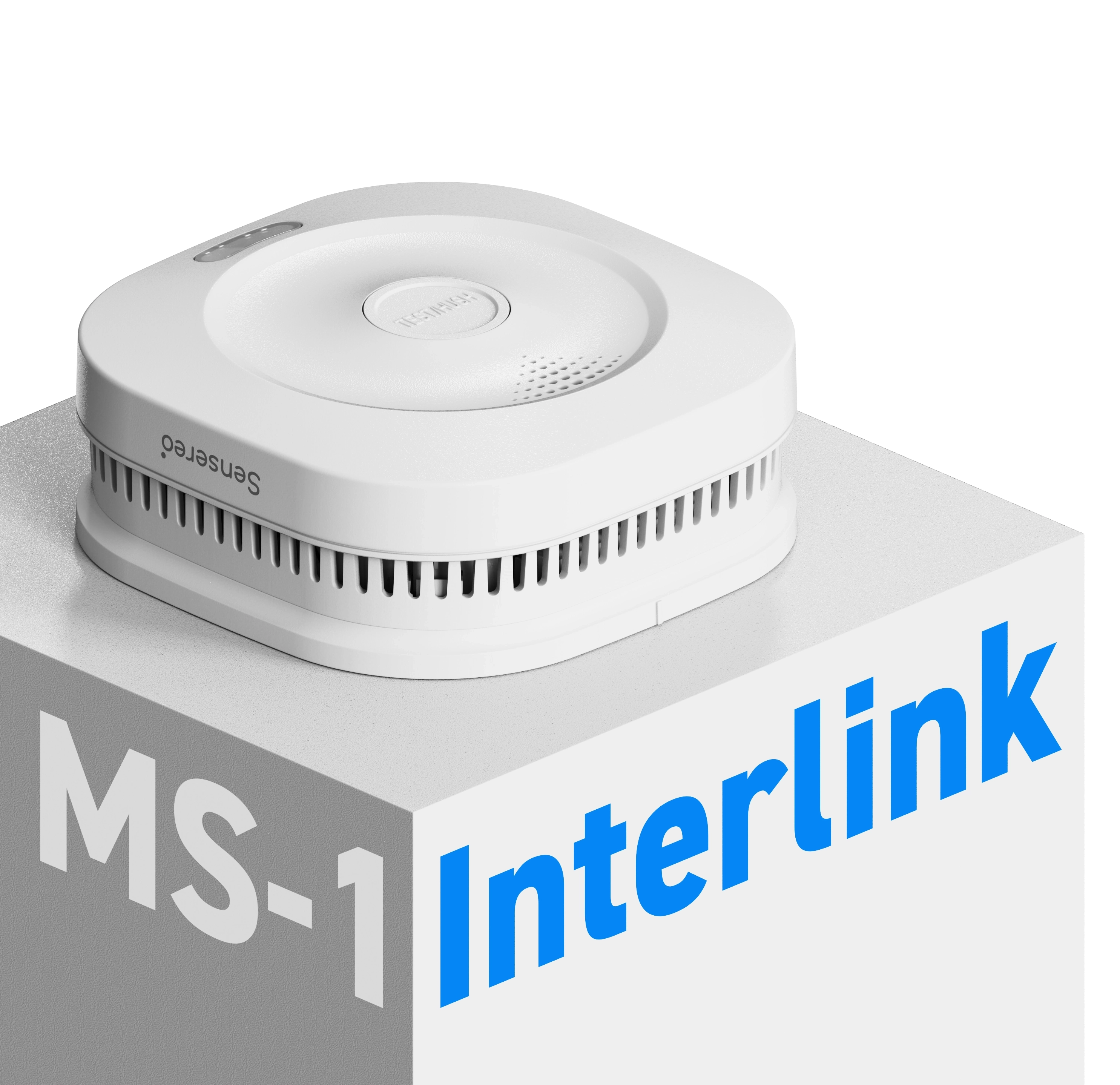
Need to reset your Sensereo MS-1 Matter Smoke Alarm?
If the device was previously paired or cannot be reset by removing the battery, please follow the reset steps below to manually re-enter pairing mode:
- Press the Test/Hush button once to activate the device and confirm it responds.
- Switch OFF the rear power switch.
- Press and hold the Test/Hush button on the front of the device.
- While holding the button, switch ON the power again.
- When the front LED flashes green and you hear a beep, release the Test/Hush button, then press it once briefly within 5 seconds.
- The Matter module LED will first turn solid green, then begin flashing green — indicating the device is reset and ready for pairing.
Reset Walkthrough
Watch the video below for a step-by-step walkthrough on resetting your MS-1 and getting it back into pairing mode.